How the Digital SAT Is Structured: Sections and Timing
Learn the digital SAT format, section timing, adaptive modules, question types, and Bluebook tools before your first full practice test.
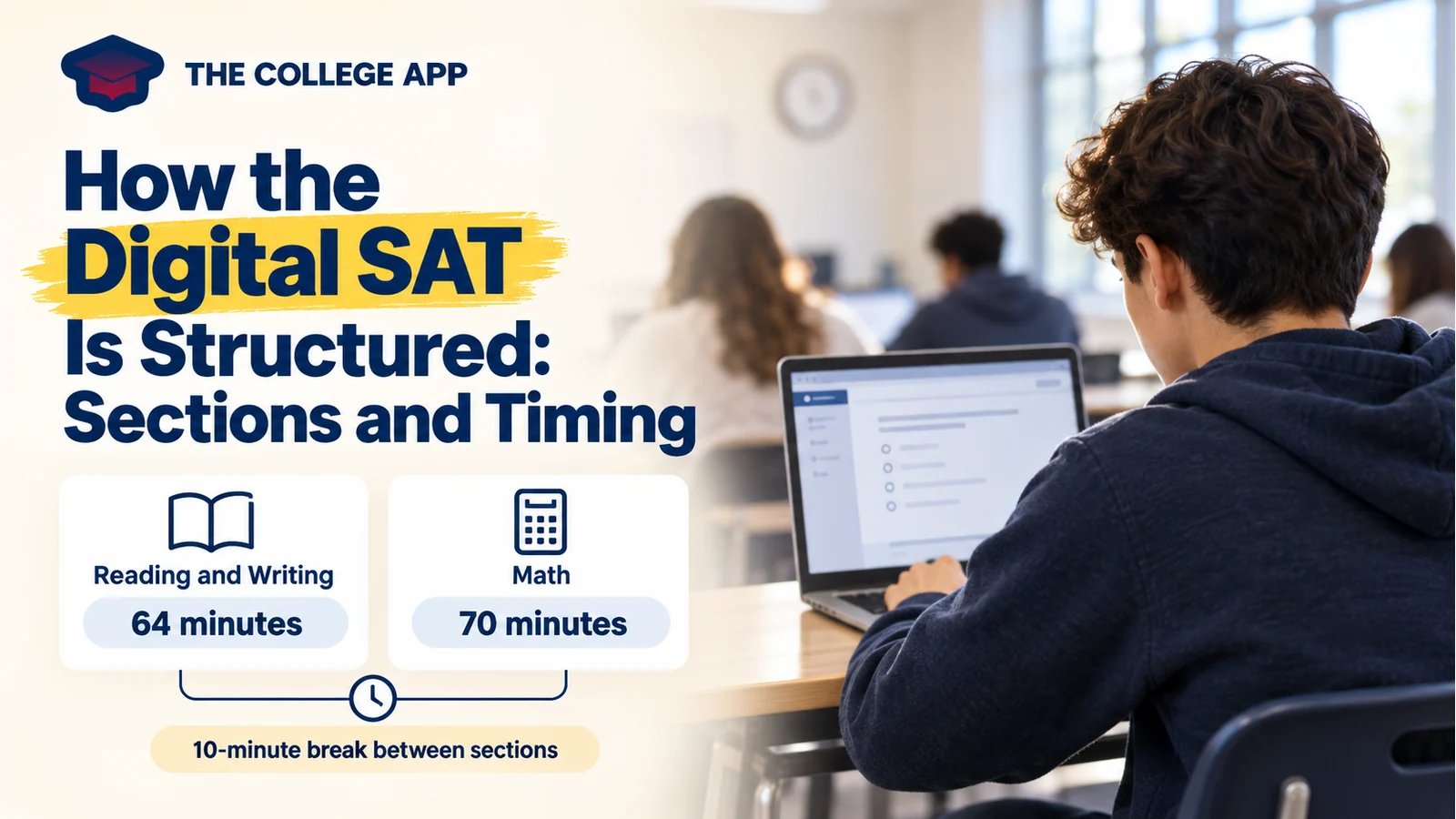
The digital SAT is not one long screen of questions with a single countdown. It has two sections, each split into two timed modules. Knowing where those boundaries fall helps you decide when to review an answer, when to move on, and what to expect when a new module begins.
This guide explains the standard digital SAT format, not a particular student's approved accommodations. If you have accommodations, confirm your testing setup and timing with your school or testing coordinator instead of assuming every number below applies to you.
The Digital SAT Format at a Glance
According to College Board's SAT structure guide, the test includes:
- Reading and Writing: 54 questions across two 32-minute modules, totaling 64 minutes.
- A scheduled break: 10 minutes between the two sections.
- Math: 44 questions across two 35-minute modules, totaling 70 minutes.
That is 98 questions and 2 hours, 14 minutes of testing. Including the scheduled break gives you 2 hours, 24 minutes, before check-in and other administration time. Do not treat that calculation as a guaranteed pickup time.
Think of the sequence as five blocks: Reading and Writing module one, Reading and Writing module two, break, Math module one, and Math module two. A section is the broader subject area; a module is the timed unit within it.
What Adaptive Modules Actually Mean
The SAT adapts between modules within each section. Your first module includes a range of question difficulties. Your performance there determines which second module you receive. This is not a system where every individual answer immediately changes the next question.
College Board's explanation of adaptive testing describes this two-stage approach. You can move among questions within your current module, which is why marking a question and returning to it can be useful.
The practical lesson is to work carefully from the beginning without trying to diagnose your score while you test. A question that feels unusually hard is not useful evidence for deciding how the entire exam is going. Your task remains the same: identify what the question asks and give it your best answer.
For example, imagine that your second Math module opens with a problem you cannot immediately solve. Instead of spending the next minute wondering what that means about your first module, write down a possible setup. If you still cannot find a route, flag it and continue. Treat the format as a navigation system, not a running judgment of your ability.
What Reading and Writing Questions Look Like
The Reading and Writing section uses short passages or passage pairs, with one multiple-choice question for each. The section combines reading and language skills rather than giving you separate Reading and Writing tests.
College Board organizes the content into four domains:
- Information and Ideas: Understanding a text, drawing supported conclusions, and interpreting evidence.
- Craft and Structure: Interpreting language in context, analyzing how a text works, and connecting related texts.
- Expression of Ideas: Choosing revisions that communicate a particular idea effectively.
- Standard English Conventions: Applying sentence structure, usage, and punctuation rules.
Those categories suggest different ways to approach a question. A punctuation item may call for identifying the sentence's clauses. An evidence item may require checking whether an answer goes beyond what the passage actually supports.
During practice, name the task before solving it. “I need the transition that fits this contrast” is a clearer starting point than “I need to read faster.” You are practicing recognition as well as comprehension.
What the Math Section Covers
The Math overview from College Board identifies four areas: Algebra, Advanced Math, Problem-Solving and Data Analysis, and Geometry and Trigonometry. Both modules draw from those areas; one module is not simply algebra followed by another devoted to geometry.
Some questions offer answer choices. Others require a student-produced response, where you enter your answer. Practice entering answers as well as solving the underlying problem so that the response box is familiar.
A calculator is permitted throughout Math under College Board's calculator policy. That does not mean every problem benefits from one. For a simple equation, a short algebra step may be faster than opening a graph. For an intersection problem, graphing may be worth considering.
Try solving a practice problem two ways when you review it. Compare which approach made the requested quantity clearest and which introduced more opportunities for mistakes. Build a tool choice you understand, rather than assuming one method should handle everything.
The Clock Belongs to the Current Module
Bluebook's timing guidance explains that you can move back and forth among questions in a module until its time expires. Once you leave that module, you cannot return to it. Under standard timing, you also cannot advance early simply because you have finished.
That boundary changes what “come back later” means. Later means before the current module ends, not during the next section.
Suppose you finish your first pass with several minutes remaining. Use that time deliberately:
- Check the question menu for unanswered items.
- Return to flagged questions where another attempt could help.
- Recheck a calculation or reading decision only when you have a specific concern.
Avoid changing a supported answer just because you have spare time. A useful check asks something concrete: Did I solve for the requested variable? Did I choose evidence for the actual claim? Did I overlook a negative sign?
Learn the Bluebook Tools Before You Need Them
College Board's Bluebook tools guide lists a timer, calculator, reference sheet, highlighting and notes, a review flag, an option eliminator, and a question menu.
You do not need to use every feature on every question. Learn the few actions that keep your work organized:
- Flag one question and find it again through the menu.
- Cross out an answer choice, then undo that action.
- Open the calculator and move it so it does not cover information you need.
- Check the timer without interrupting your work after every sentence.
Treat these as small practice tasks. Discovering how to navigate while a difficult question is on screen adds an avoidable second problem.
A First-Practice Checklist
Before building a large study schedule, take these steps:
- Review the sequence. Explain the two sections, four modules, and break without looking at a diagram.
- Explore the app. Use a Bluebook test preview to learn the controls.
- Try the complete format. Take an official full-length Bluebook practice test, using the timing that applies to you.
- Separate skill errors from format errors. Record whether a miss came from the content, a rushed decision, navigation, or running out of time.
- Choose one adjustment. For example, practice finding flagged questions instead of adding more random questions to your next session.
Test Prep in The College App can support focused practice between full tests. Keep official Bluebook practice as your reference for experiencing the actual digital format.
Your next step is not to memorize every possible SAT rule. Learn the section sequence, try the tools, and complete a practice session in which module boundaries feel familiar. Then your review can focus on the questions themselves instead of surprises about how the test works.